Every Photo.
Accounted For.
Upload your existing picture list or photo checklist from your phone or computer. PicIndex automatically organizes it into a field-ready photo workflow, so your team knows exactly what pictures are required, what is complete, and what is still missing.
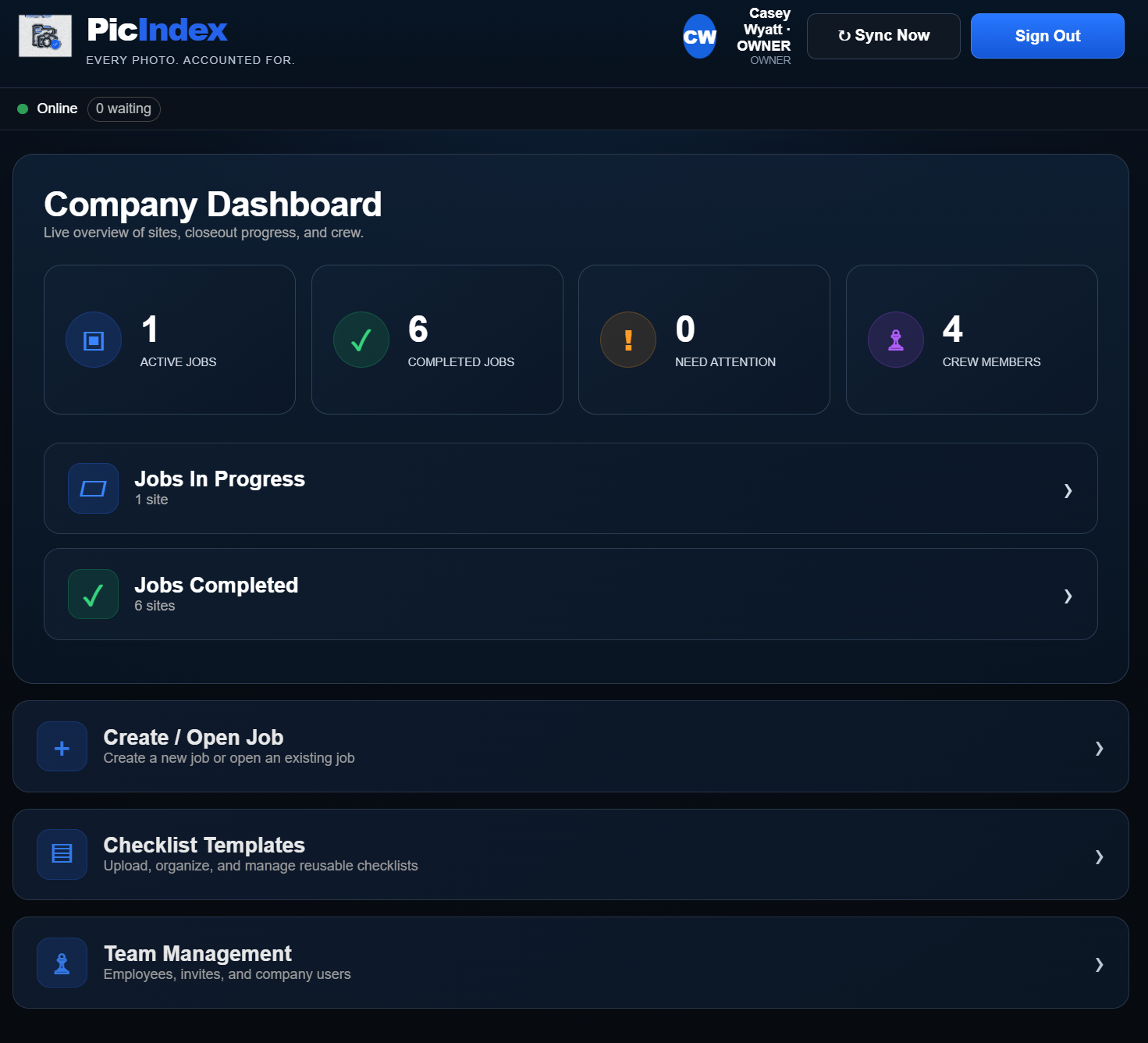
From required photo list to organized field proof.
Watch PicIndex turn the list your team already uses into a clear, trackable photo workflow.
Upload the picture list you already use.
PicIndex organizes it for you.
From a phone or computer, upload your existing photo checklist, closeout list, inspection list, or picture requirements. PicIndex reads the file, separates it into folders and required photo items, and turns it into a reusable workflow your team can use immediately.
Your checklist becomes the job.
Once PicIndex organizes your picture list, your crew works directly from those folders and photo requirements in the app.
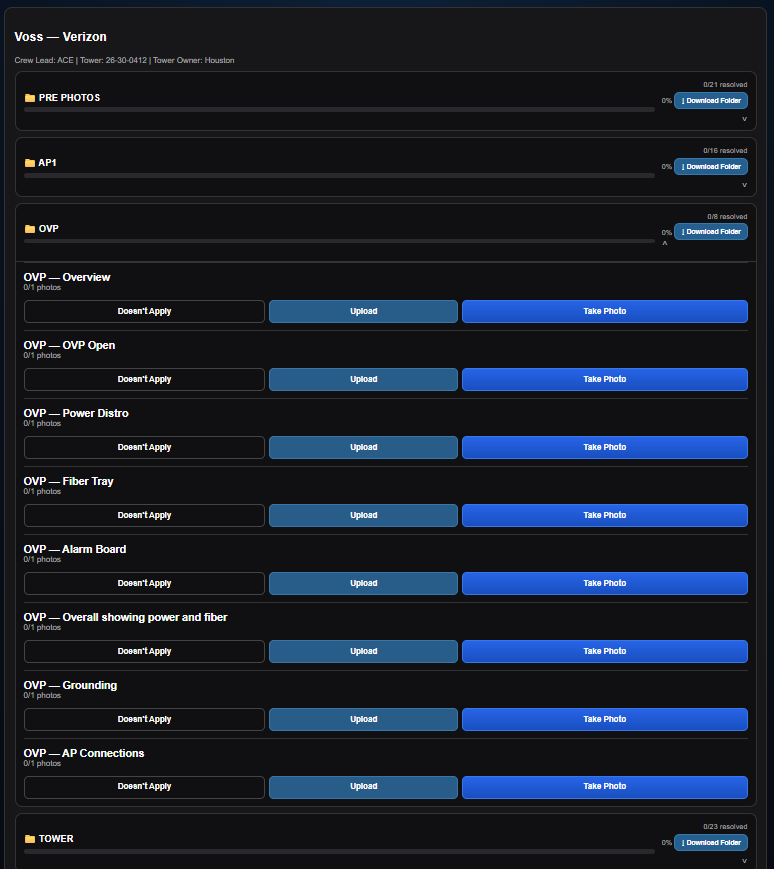
Missing photos cost time.
PicIndex gives crews and supervisors one shared photo checklist so gaps are found while the team is still there.
Know what's required
Your checklist becomes a clear, organized photo workflow.
See progress live
Know what is complete, missing, or needs attention in real time.
Get the photos out cleanly
Download an entire job or just the folder you need.
From checklist to proof.
Upload from phone or computer
Use the picture list, checklist, closeout sheet, or photo requirements your company already has.
PicIndex separates it for you
Folders and required photo items are created automatically so you do not have to rebuild the list by hand.
Take photos right in PicIndex
Tap the required item, open your phone camera, and the photo is automatically tied to the right requirement.
Watch completion
See missing photos before closeout.
Download the proof
Export the whole job or only what you need.
Built around real field workflows.
Upload almost any picture list
From your phone or computer, bring in Word, PDF, screenshots/images, TXT, CSV, or JSON. PicIndex reads the list and automatically turns it into organized folders and required photo items.
Take the required picture in the app
Open the photo requirement and tap Take Photo. PicIndex launches the phone camera and keeps the finished picture organized with the correct checklist item.
Shared job progress
Multiple team members can work the same job while supervisors see progress.
Documented exceptions
Mark items not applicable or unable to take with a reason.
Folder-level downloads
Download one section without pulling the entire closeout.
Reopen completed jobs
Move a completed job back to active when corrections are needed.
Fast mobile review
Swipe through uploaded pictures in a folder on your phone.
If the work needs photo proof, PicIndex can fit the workflow.
Put your checklist to the test.
We're inviting companies that rely on photos to prove work was completed. Beta access is currently free while we continue improving PicIndex with real teams and real jobs.
Think your checklist can break PicIndex?
We want to see it.